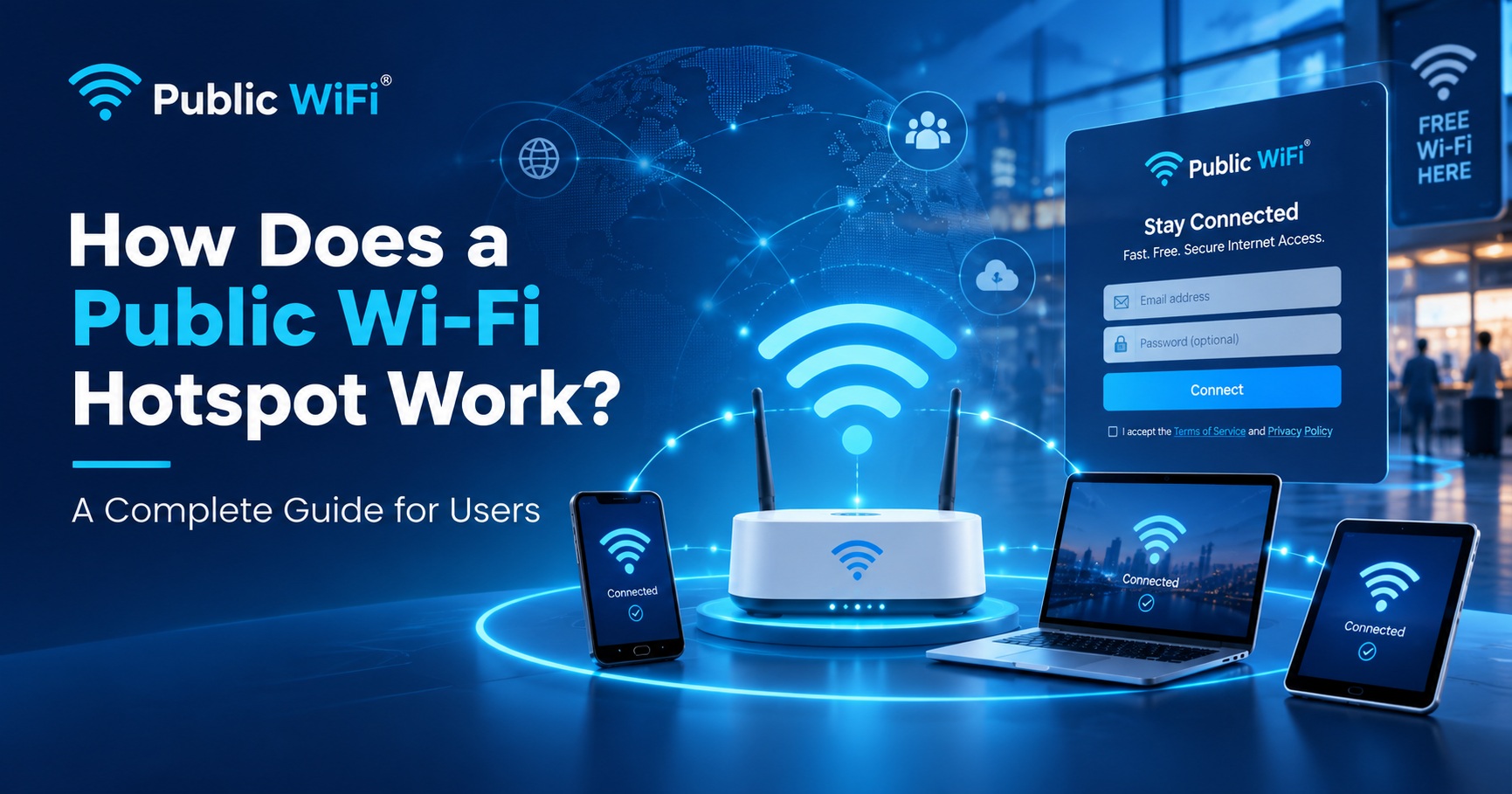
Introduction
The internet has become an essential part of everyday life. Whether you are attending online classes, working remotely, making digital payments, or watching videos, reliable internet connectivity is important.
But mobile data is not always the most affordable or convenient option, especially when you need to use the internet for extended periods.
This is where public Wi-Fi hotspots come in.
Public Wi-Fi hotspots allow people to connect to the internet wirelessly at locations such as cafés, shopping centres, educational institutions, railway stations, and other public spaces.
But have you ever wondered how a public Wi-Fi hotspot actually works?
In this guide, we will explain everything you need to know about public Wi-Fi technology, hotspot login portals, user authentication, internet plans, and secure connectivity.
What Is a Public Wi-Fi Hotspot?
A public Wi-Fi hotspot is a wireless internet access point that allows users to connect their smartphones, laptops, tablets, and other Wi-Fi-enabled devices to the internet.
Unlike a home Wi-Fi network, which is generally intended for a small group of users, a public hotspot is designed to provide internet access to visitors or customers at a particular location.
Public hotspots may offer:
- Free internet access
- Paid internet plans
- Time-limited browsing sessions
- Data-based internet packages
- Subscription-based connectivity
- Login through a web portal
For example, a café may offer free Wi-Fi to its customers, while a commercial Wi-Fi service provider may offer affordable internet plans that users can purchase according to their requirements.
Public WiFi aims to make wireless internet connectivity accessible and convenient through a dedicated online platform.
How Does a Public Wi-Fi Hotspot Work?
A public Wi-Fi hotspot connects users to the internet through a combination of networking equipment, internet connectivity, and software systems.
The process typically involves five important steps.
Step 1: Connecting to a Wi-Fi Network
When you enable Wi-Fi on your smartphone or laptop, your device searches for nearby wireless networks.
Available hotspots appear in the Wi-Fi network list.
You can select the appropriate hotspot and establish a wireless connection.
Depending on the network configuration, the connection may be open or require a Wi-Fi password.
Important: Connecting to a Wi-Fi network does not necessarily mean you have immediate access to the internet.
Some public hotspots require additional authentication before allowing internet browsing.
Step 2: Opening the Wi-Fi Login Portal
Many public Wi-Fi services use a technology called a captive portal.
A captive portal is a web page that users must interact with before accessing the internet.
After connecting to the hotspot, your device may automatically display the portal.
Depending on the service provider, the portal may ask you to:
- Log in using your registered account
- Create a new account
- Verify your mobile number using OTP
- Accept the terms and conditions
- Select an internet plan
- Complete a payment
Once the required steps are completed, the network can authorize your device for internet access.
If the login page does not automatically appear, try opening a browser and following the hotspot provider's connection instructions.
Step 3: User Authentication
Authentication helps the Wi-Fi service provider determine whether a user is authorized to access the network.
Different hotspots support different authentication methods.
Username and Password
Registered users enter their account credentials to access the hotspot.
Mobile Number and OTP
Users provide their mobile number and verify it through a one-time password.
Voucher-Based Login
Some providers issue prepaid vouchers containing login credentials or access codes.
Subscription-Based Authentication
Users with an active subscription can access the hotspot according to their plan's validity and conditions.
Authentication also enables service providers to manage active sessions, apply account policies, and prevent unauthorized use.
Step 4: Selecting an Internet Plan
Some public Wi-Fi hotspots offer free access, while others provide paid internet packages.
Paid plans may vary according to:
| Feature | Description |
|---|---|
| Internet Speed | Maximum download and upload speeds allowed by the plan |
| Data Limit | Amount of internet data included |
| Validity | Duration for which the plan remains active |
| Device Limit | Number of devices permitted |
| Price | Cost of the selected internet package |
For example, someone who needs internet access for a few hours might prefer a short-duration plan, while a student or professional may benefit from a weekly or monthly package.
Before purchasing any plan, always review its validity, data allowance, speed, and device restrictions.
Explore the available packages on our Public WiFi Plans page.
Step 5: Accessing the Internet
Once the network successfully authenticates your device and verifies any required subscription, the hotspot grants internet access.
Your device communicates with the wireless access point, which forwards network traffic through the provider's router or gateway and internet connection.
You can then use supported internet services such as:
- Browsing websites
- Attending online classes
- Accessing educational resources
- Using email and messaging applications
- Making video calls
- Streaming videos
- Accessing cloud-based applications
The actual performance depends on network coverage, the number of connected users, equipment capabilities, internet bandwidth, and your selected plan.
What Is a Captive Portal in Public Wi-Fi?
A captive portal is one of the most important components of many managed public Wi-Fi networks.
It acts as the entry point through which users authenticate and obtain permission to access the internet.
How a Captive Portal Works
- A user connects to the Wi-Fi hotspot.
- The network recognizes the connected device.
- The network restricts general internet access until authorization is completed.
- The device displays or opens the hotspot login portal.
- The user completes authentication and any required payment.
- The hotspot system authorizes the connection.
- The user can begin browsing according to the assigned network policies.
Captive portals help providers deliver managed public Wi-Fi services while controlling internet access.
Benefits of a Captive Portal
A properly configured captive portal can provide several advantages:
- User Management: Manage user accounts and access permissions.
- Flexible Plans: Offer different internet packages.
- Session Management: Monitor active sessions and connection duration.
- Bandwidth Control: Allocate internet speeds according to plan policies.
- Access Control: Restrict unauthorized internet usage.
- Customer Experience: Provide a consistent login and subscription interface.
However, a captive portal does not automatically encrypt wireless traffic. Network encryption and other security controls must be configured separately.
What Equipment Is Required for a Public Wi-Fi Hotspot?
A public hotspot generally requires several hardware and software components.
1. Internet Connection
An internet connection provides the bandwidth shared among connected hotspot users.
This connection may be delivered through fiber broadband, leased lines, or another supported backhaul technology.
2. Wireless Access Point
A wireless access point broadcasts the Wi-Fi signal that nearby devices can connect to.
The number and positioning of access points depend on the size of the coverage area and expected user demand.
3. Router or Gateway
A router or network gateway manages communication between hotspot users and the internet.
Depending on the implementation, it may also handle traffic routing, firewall rules, and bandwidth policies.
4. Hotspot Management System
Hotspot management software helps operators manage network access and users.
Typical features include:
- User registration and authentication
- Internet plan management
- Session tracking
- Bandwidth and usage controls
- Access authorization
- Payment integration
- Network monitoring
5. Captive Portal
The captive portal provides a user-facing interface for login, registration, plan selection, and other access-related actions.
Together, these components enable service providers to operate managed public Wi-Fi networks.
Is Public Wi-Fi Safe to Use?
Public Wi-Fi can be convenient, but users should understand potential security risks.
Not every hotspot offers the same security protections.
For example, some hotspots use modern wireless encryption, while others operate as open networks.
Additionally, attackers may create fake Wi-Fi networks with names resembling legitimate hotspots.
Tips for Safe Public Wi-Fi Usage
1. Verify the Wi-Fi Network Name
Always confirm the correct network name with the service provider or location operator.
2. Use HTTPS Websites
Prefer websites that use HTTPS, which encrypts communication between your browser and the website.
3. Avoid Suspicious Login Pages
Never enter personal details into an unfamiliar or suspicious authentication page.
4. Keep Your Device Updated
Install operating system and browser security updates regularly.
5. Disable Automatic Connection
Avoid automatically joining unfamiliar Wi-Fi networks.
6. Use a Trusted VPN When Appropriate
A reputable VPN can provide an additional layer of protection, particularly on untrusted networks.
7. Forget the Network When Finished
Remove public networks from your saved connections if you do not plan to use them again.
For more guidance, read our article: How to Connect to Public Wi-Fi Safely.
Public Wi-Fi Hotspot vs Mobile Hotspot: What's the Difference?
Although both provide wireless connectivity, public Wi-Fi hotspots and mobile hotspots serve different purposes.
| Feature | Public Wi-Fi Hotspot | Mobile Hotspot |
|---|---|---|
| Internet Source | Typically broadband or dedicated backhaul | Cellular data |
| Coverage | Usually a fixed public location | Travels with the mobile device |
| Number of Users | Can serve multiple users depending on capacity | Usually supports fewer devices |
| Internet Charges | Free or provider-specific plans | Mobile data plan |
| Authentication | Password, portal, voucher, or other method | Usually Wi-Fi password |
| Management | Often centrally managed | Managed by the device owner |
| Best Use | Public locations and shared connectivity | Personal and temporary internet sharing |
Neither option is universally better.
A public hotspot may be more suitable when you need internet access at a supported location, while a mobile hotspot offers greater portability.
For a detailed comparison, explore Public Wi-Fi vs Mobile Data: Which Is Better?.
Who Can Benefit from Public Wi-Fi Hotspots?
Public Wi-Fi has practical applications for individuals, businesses, and communities.
Students
Students can use public Wi-Fi for online classes, research, exam preparation, and accessing digital learning resources.
Working Professionals
Professionals may use supported hotspots to access email, cloud applications, collaboration platforms, and video meetings.
Small Businesses
Shops, cafés, and other commercial establishments can offer Wi-Fi connectivity to improve customer convenience.
Travellers
Travellers can use available hotspots at hotels, transportation hubs, and other supported locations.
Local Communities
Public Wi-Fi can expand internet access in communities where affordable and reliable connectivity options are limited.
How to Get Connected with Public WiFi
Public WiFi provides a dedicated portal to explore wireless internet services, connectivity options, and available plans.
Getting started is straightforward.
1. Find a Hotspot
Visit the Coverage page to explore supported hotspot locations.
Check whether service is available in your area.
2. Choose a Suitable Internet Plan
Visit the Plans page to compare available internet packages.
Select a plan that matches your requirements for speed, data, and duration.
3. Connect and Authenticate
At a supported hotspot location, connect your device to the designated Wi-Fi network.
Follow the displayed login or registration instructions and complete any necessary verification.
4. Start Browsing
Once your access is authorized, you can use the internet according to your selected plan and the network's conditions.
Actual connectivity and service availability may vary by location.
Frequently Asked Questions (FAQs)
1. What is a public Wi-Fi hotspot?
A public Wi-Fi hotspot is a wireless access point that provides internet connectivity to users at a public or shared location.
2. How do I connect to a public Wi-Fi hotspot?
Enable Wi-Fi on your device, select the correct network, and follow any login, verification, or payment instructions provided by the hotspot operator.
3. Why does public Wi-Fi require a login page?
Many public Wi-Fi providers use captive portals to authenticate users, manage internet access, and apply subscription or usage policies.
4. Can I use public Wi-Fi without a password?
Yes. Some public networks allow wireless connection without a Wi-Fi password. However, they may still require registration or authentication through a captive portal.
5. Is public Wi-Fi always free?
No. Some hotspots provide free access, while others offer paid packages based on time, data usage, or subscription validity.
6. Can I connect multiple devices to public Wi-Fi?
That depends on the hotspot provider and the selected plan. Some plans support only one device, while others may allow multiple simultaneous connections.
7. Why is public Wi-Fi sometimes slow?
Connection speed can be affected by network congestion, signal strength, available internet bandwidth, equipment capacity, and plan-specific speed limits.
8. What should I do if the Wi-Fi login page does not appear?
Try disconnecting and reconnecting to the correct hotspot, checking whether your device detects a sign-in page, or following the operator's connection instructions. If the issue continues, contact the service provider.
Conclusion
Public Wi-Fi hotspots make internet access available to people in shared locations without requiring every user to depend entirely on their own mobile data connection.
By combining wireless networking equipment, internet connectivity, authentication systems, and management software, hotspot providers can offer convenient and flexible connectivity services.
Understanding how these networks work also helps users choose suitable internet packages, troubleshoot connection issues, and follow safer browsing practices.
Whether you are a student, professional, traveller, or business owner, public Wi-Fi can be a practical connectivity option when it is available and properly secured.
Stay Connected with Public WiFi
Looking for convenient and affordable wireless internet access?
Explore our connectivity services and choose an internet plan that meets your needs.
Public WiFi — Connecting People, Empowering Communities.